
Import Collection
In Postman, collections are groups of API endpoints which can be re-used to send a variety of requests. While the structure of the endpoints themselves cannot be edited, you can change the body of the request to send different information. You can import MyCarrier’s Public API Postman collection here:
(Collection URL)
As we grow and expand our capabilities, updates will be made to our API collections. You can always find the newest version listed in this documentation. Please note that all endpoints are backward compatible and will not be affected with successive releases. If changes are made that would require you to re-import the latest collection, our team will notify you in advance.
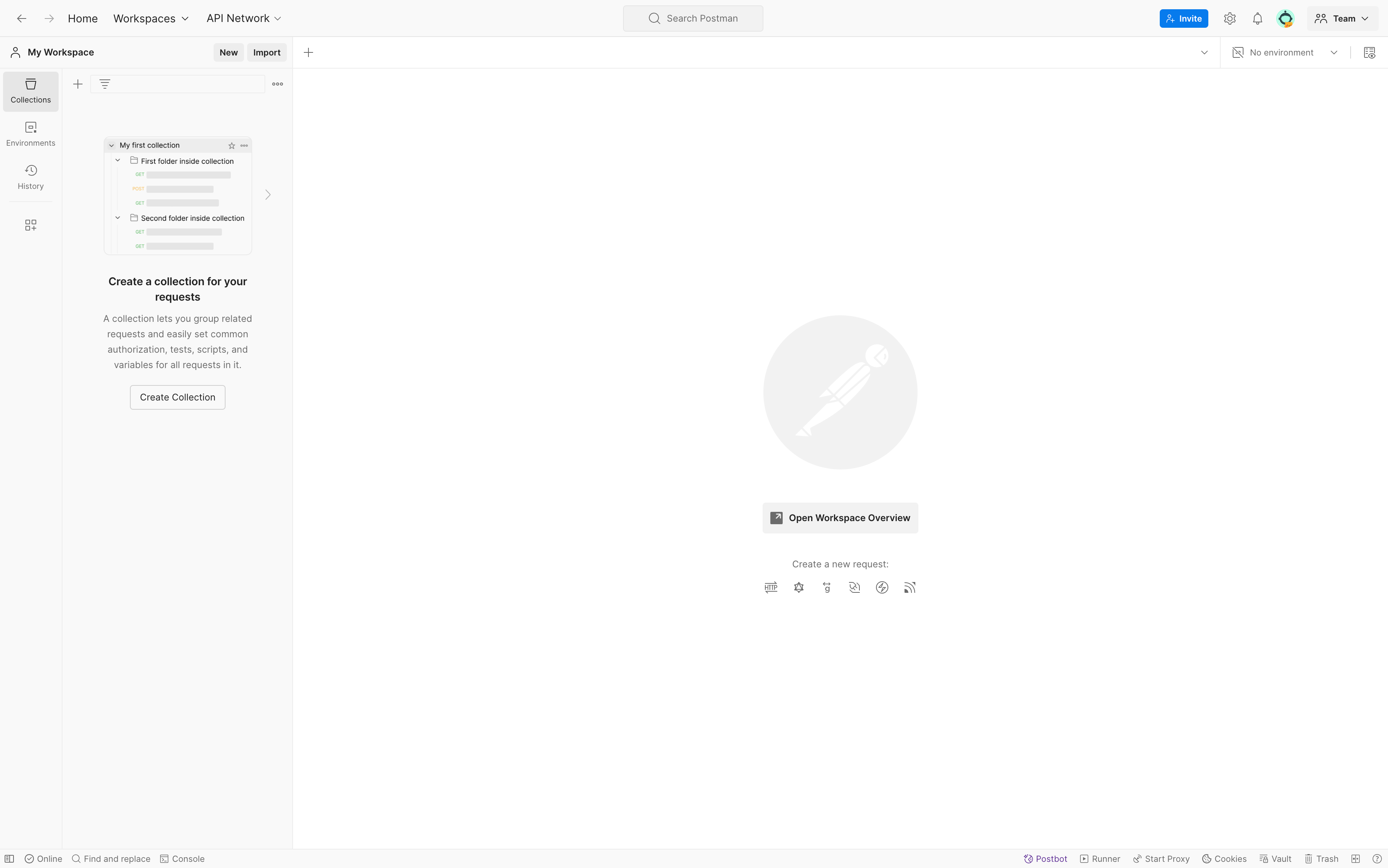
- Once you’ve downloaded the collection, click the “Import” button at the top of the left-hand column in postman
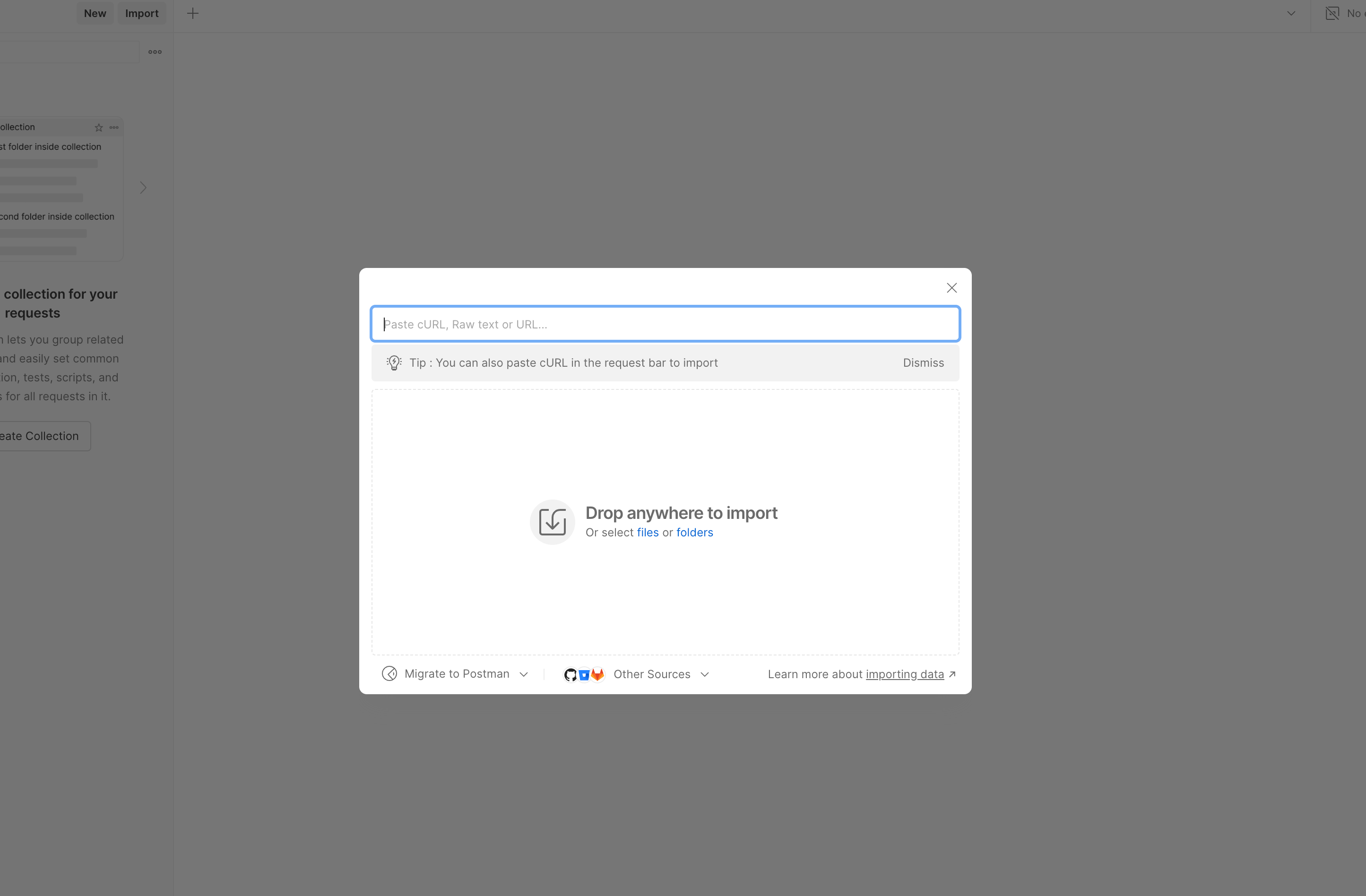
- Once you hit “Import” you will be prompted to choose a file to upload. Please upload the MyCarrier Public API Collection file here.
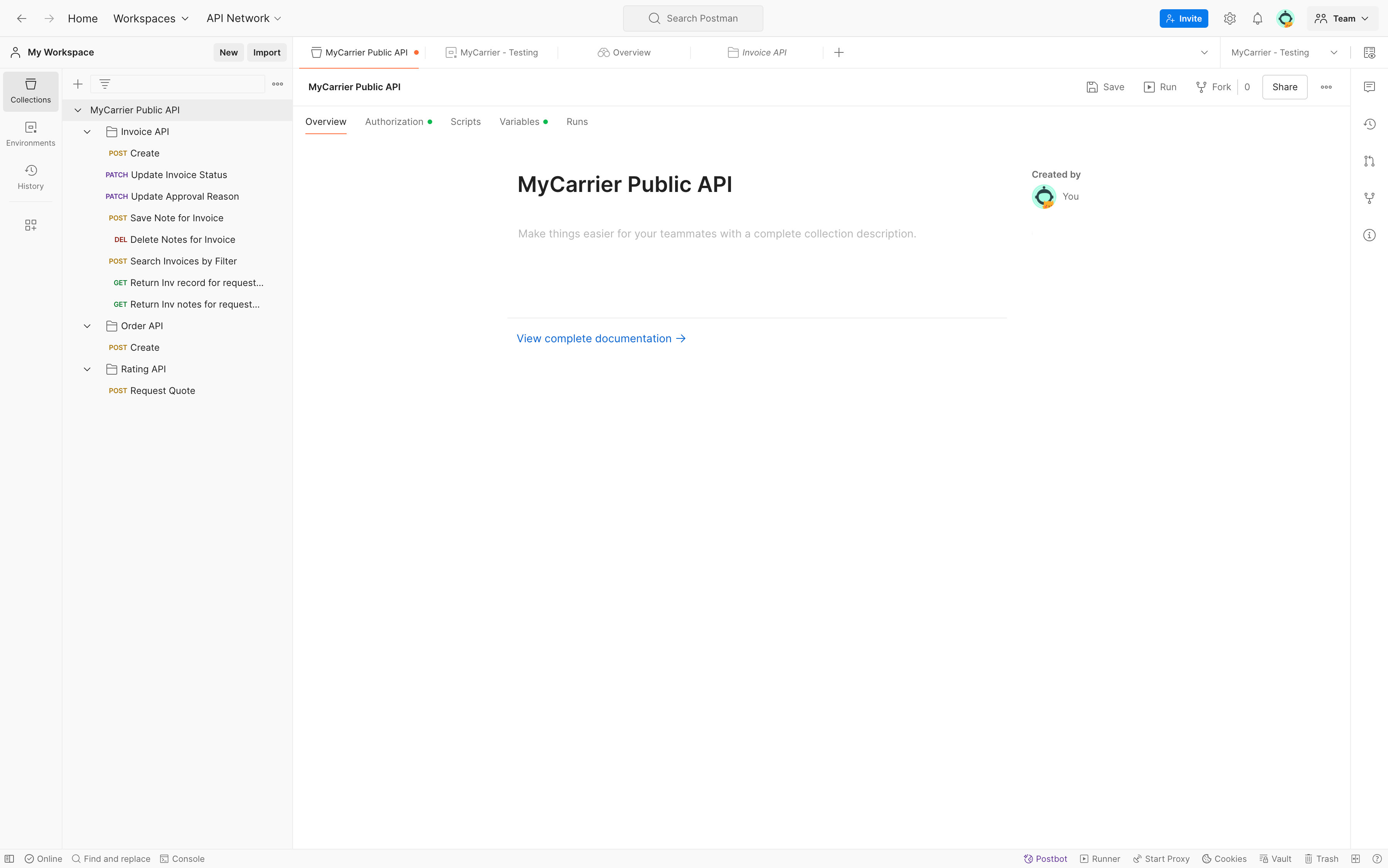
- Once the collection file has been imported, you should see the different endpoints listed in the left-hand column in your “Collections” tab
Updated over 1 year ago
Did this page help you?